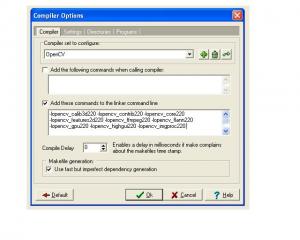
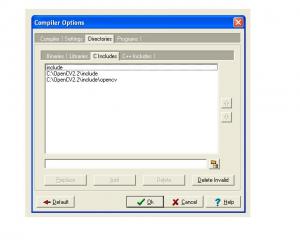
Configure OpenCV 2.2 with DevC++ in Window For configuring the opencv2.2 with Dev-C++, first you have to install opencv2.2 You can download OpenCV2.2 from here, and Dev-C++ from here After downloading install OpenCV2.2 and do some changes in the Dev C++ compiler. go to Tools->Compiler options then follow these steps as shown in image below. Now goto directories and add some directories of OpenCV2.2. |
||||||
 |
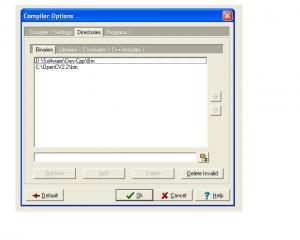 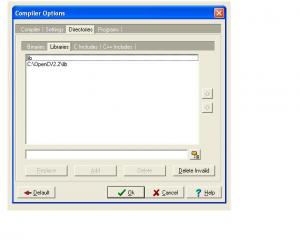 |
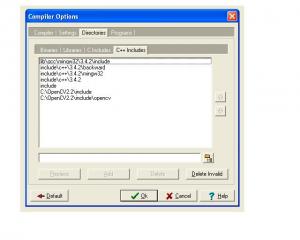 and at last put these line into the linker -lopencv_calib3d220 -lopencv_contrib220 -lopencv_core220 -lopencv_features2d220 -lopencv_ffmpeg220 -lopencv_flann220 -lopencv_gpu220 -lopencv_highgui220 -lopencv_imgproc220 -lopencv_legacy220 -lopencv_ml220 -lopencv_objdetect220 -lopencv_ts220 -lopencv_video220
|
||||